

This page covers product guidance for Flowseeker: what the main surfaces are, how the primary controls work, and what users should understand before configuring filters or interpreting flow. The Flowseeker Academy module inside Skylit Terminal covers deeper applied walkthroughs and examples.
Launch Flowseeker
Live feed, flow scanner, dark feed, compass, and contract research in the Skylit app.
Use it over MCP
Query Flowseeker from Claude or Cursor in natural language.
Pair with Heatseeker
Combine flow with real-time dealer-positioning heatmaps.
Live Feed
Live Feed is the primary print-level view in Flowseeker. Each row represents options activity with timing, contract details, execution context, premium, volume, open interest, implied volatility, and related market data.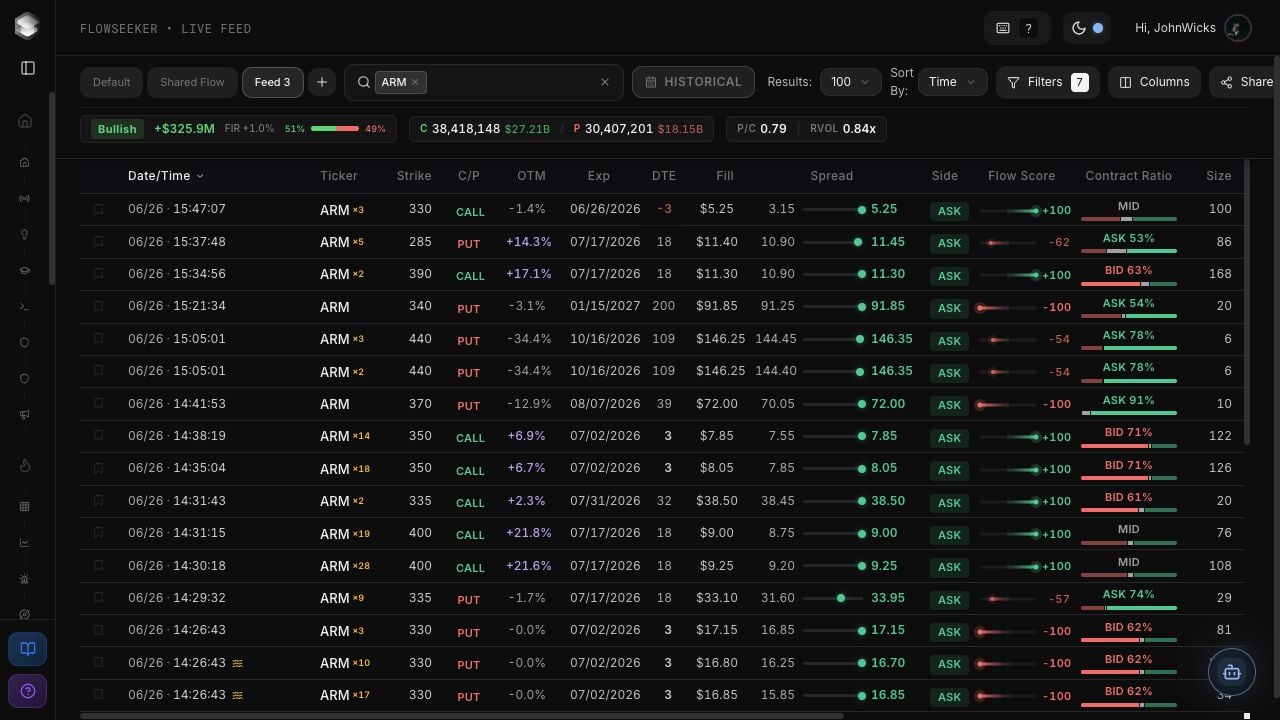
Top controls
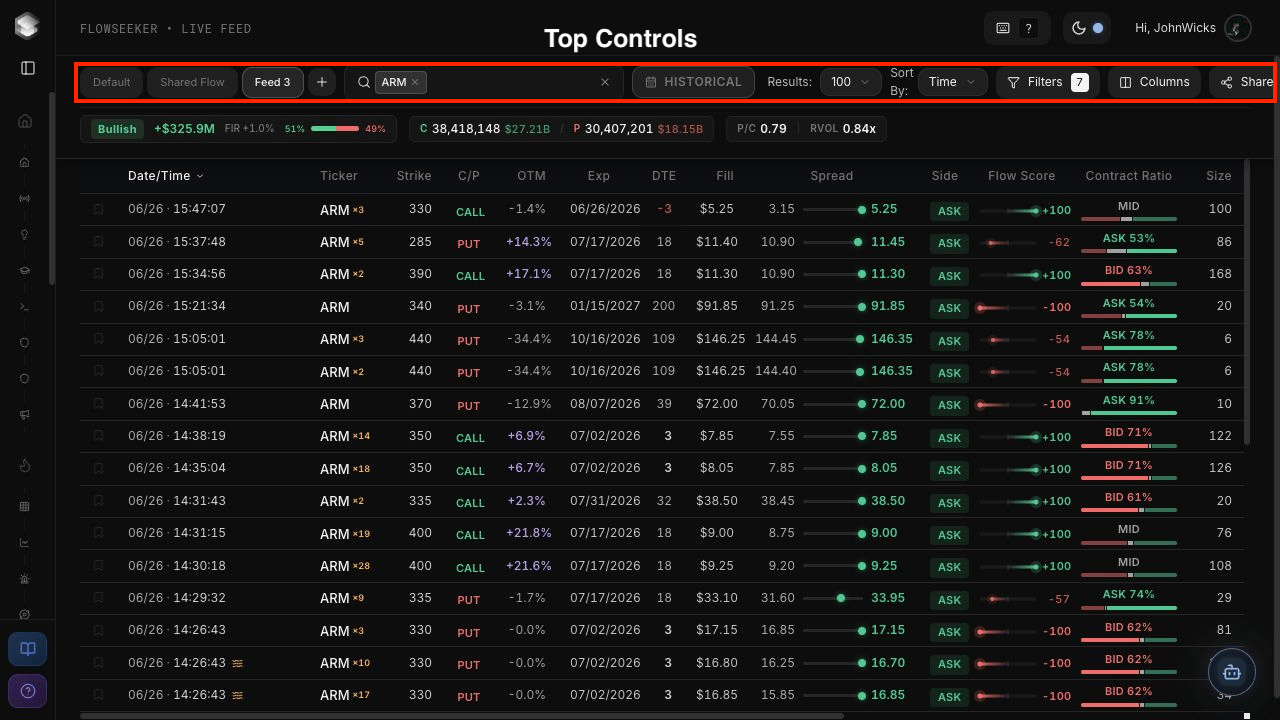
Summary metrics
Live Feed columns
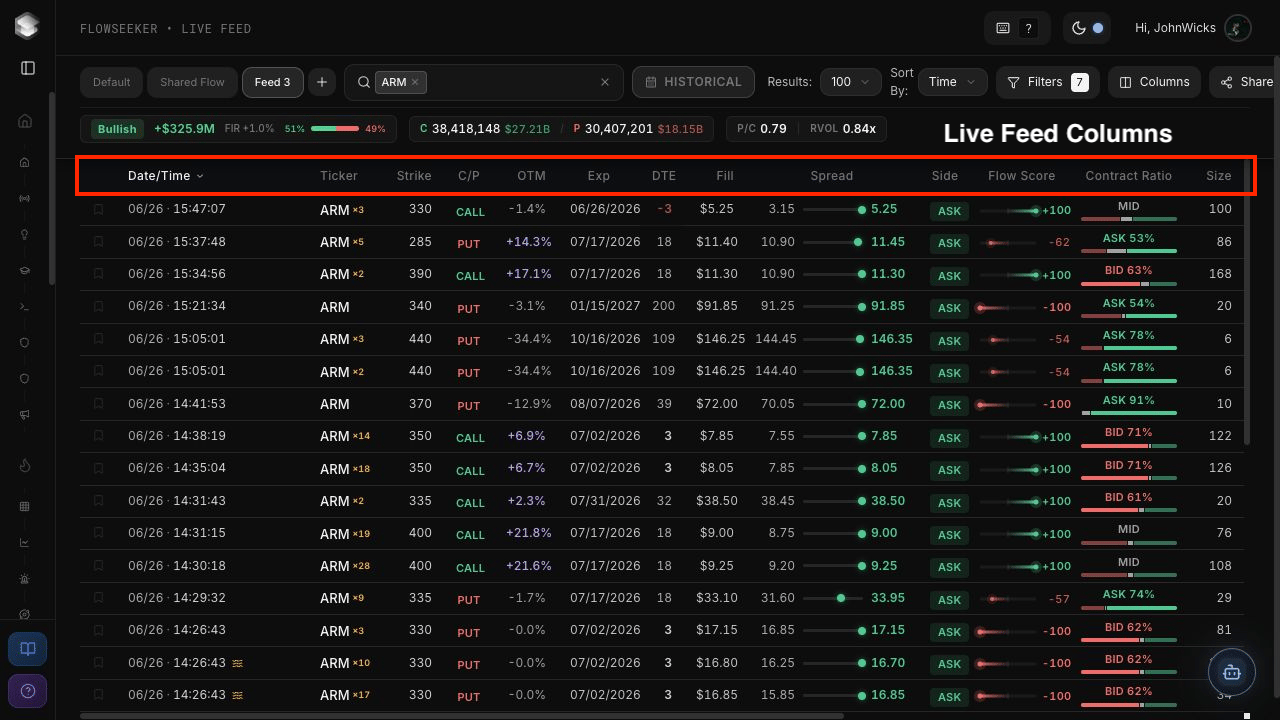
Side describes where activity occurred relative to the market. It should not be read as perfect proof of buyer or seller intent.
Filters and Columns
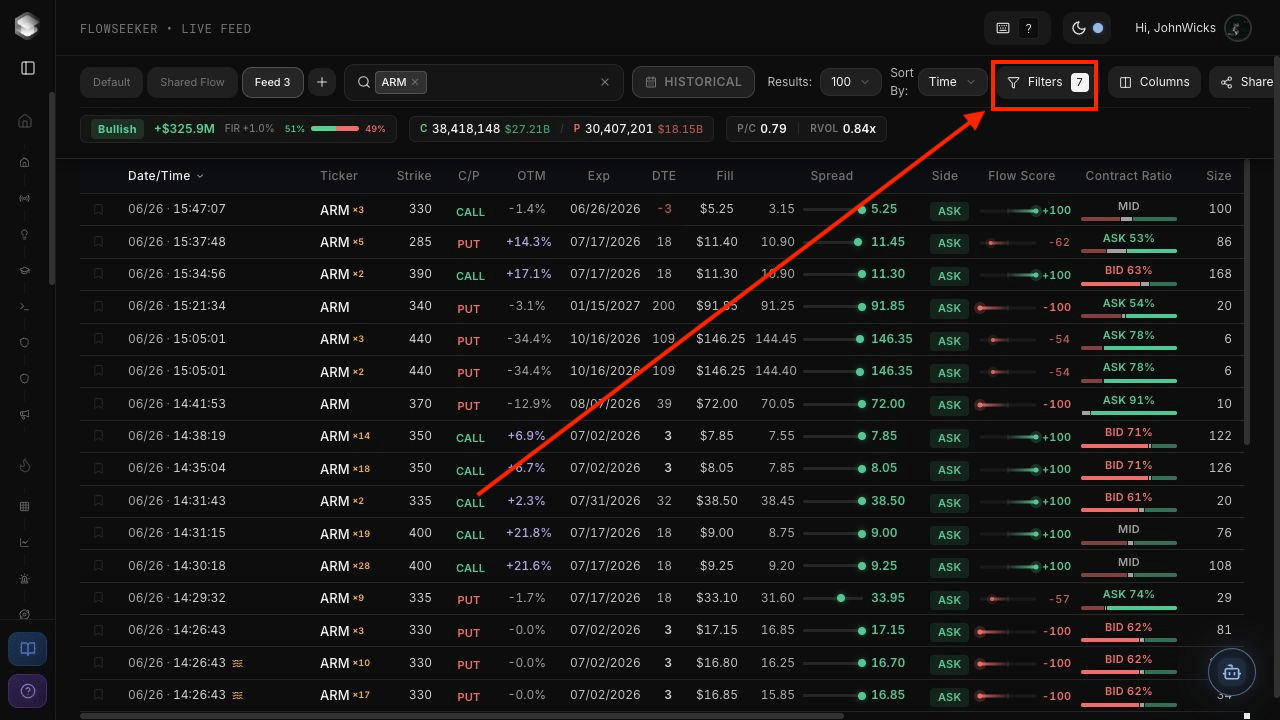
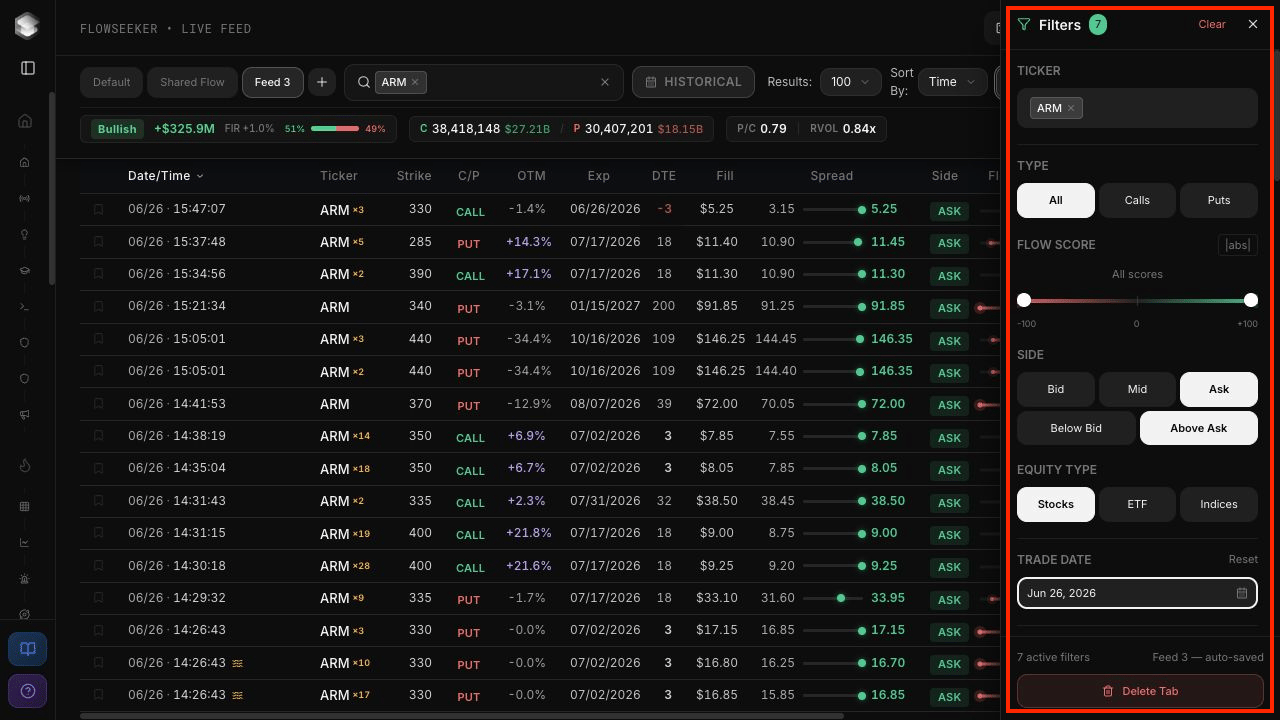
Filter groups
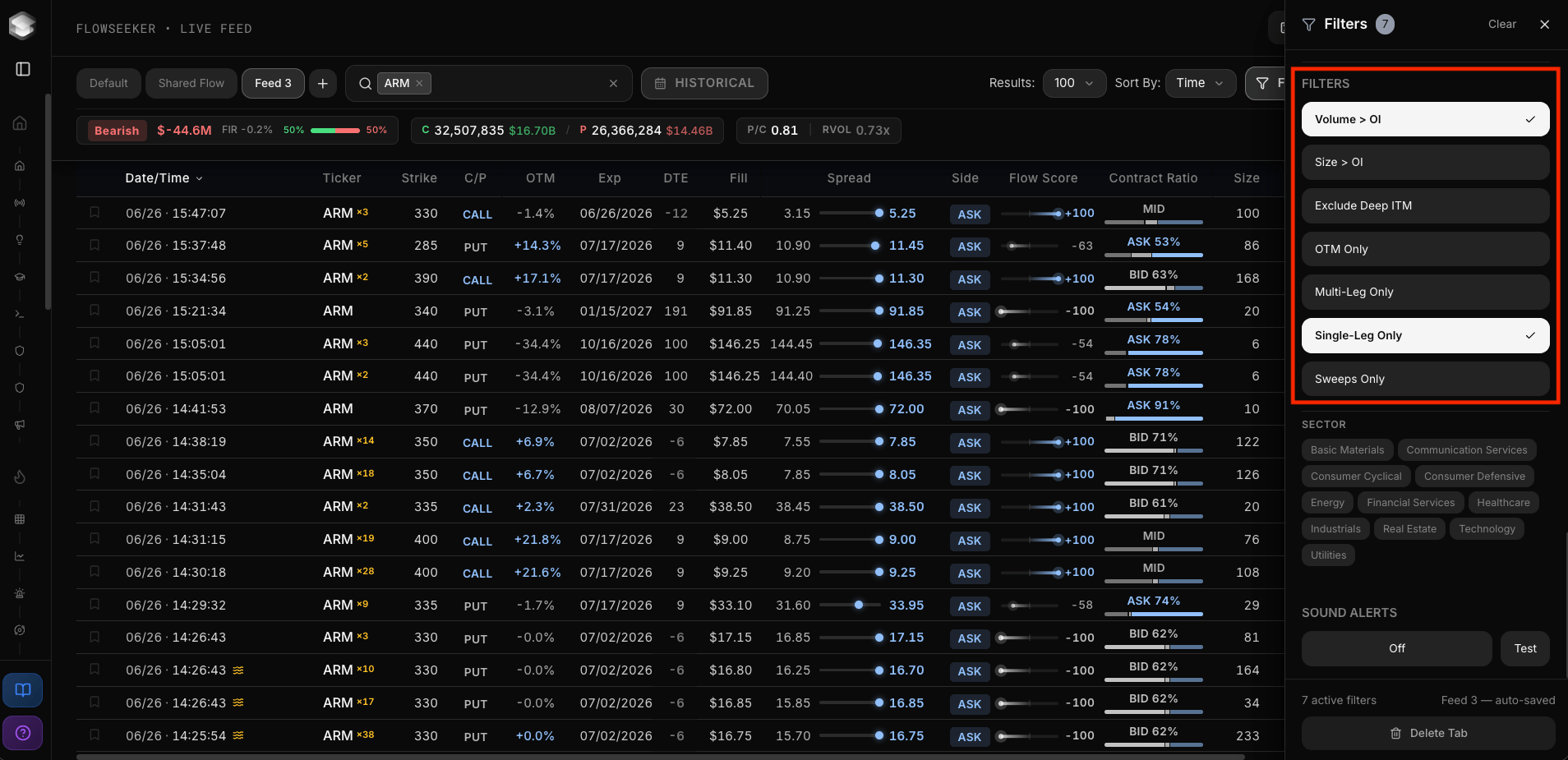
Special toggles
Dark Feed
Dark Feed shows dark-pool equity prints. These are off-exchange equity transactions, separate from options-flow prints. The view includes ticker search, live mode, result count, filters, columns, and sharing controls.Filters
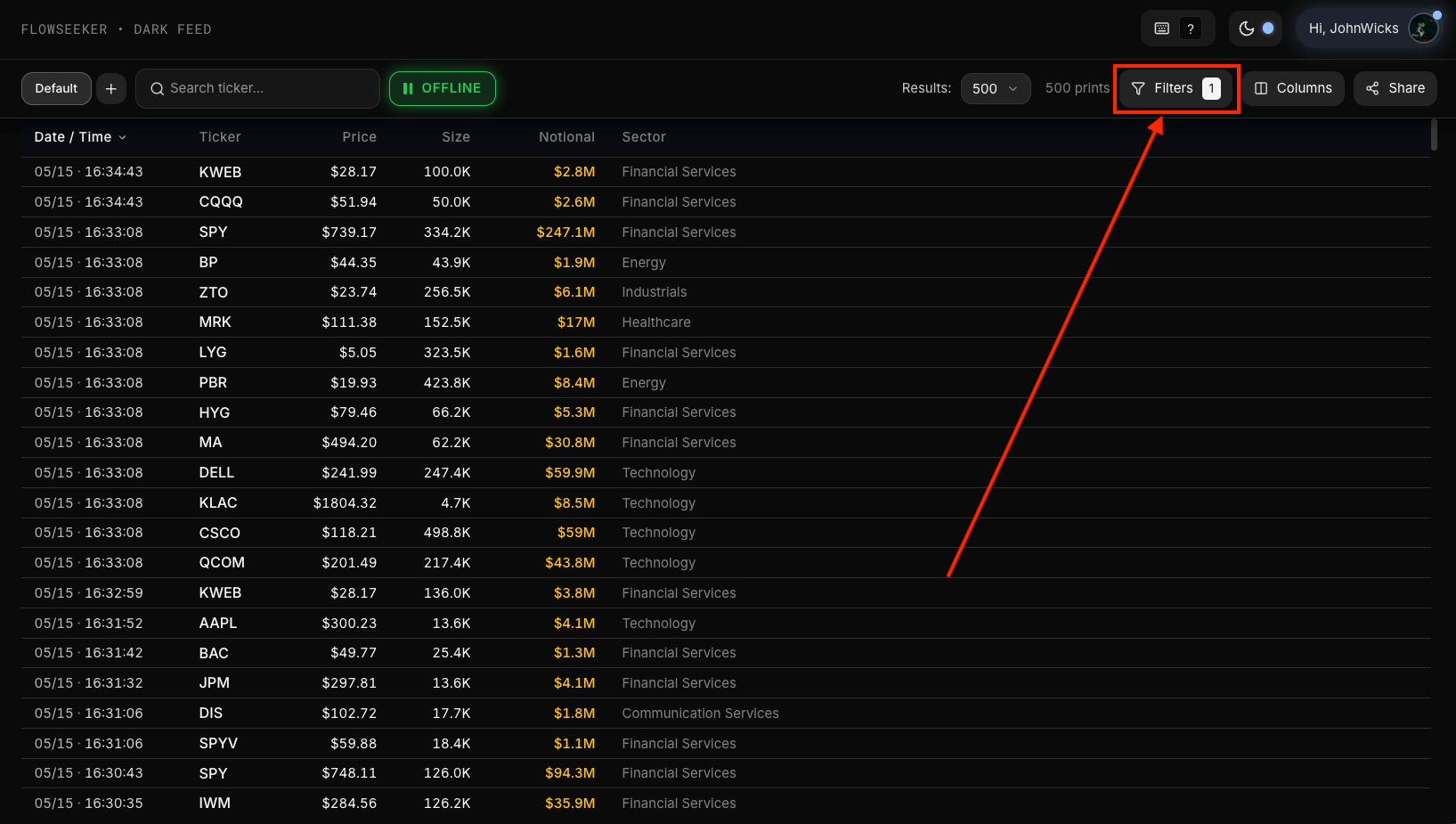
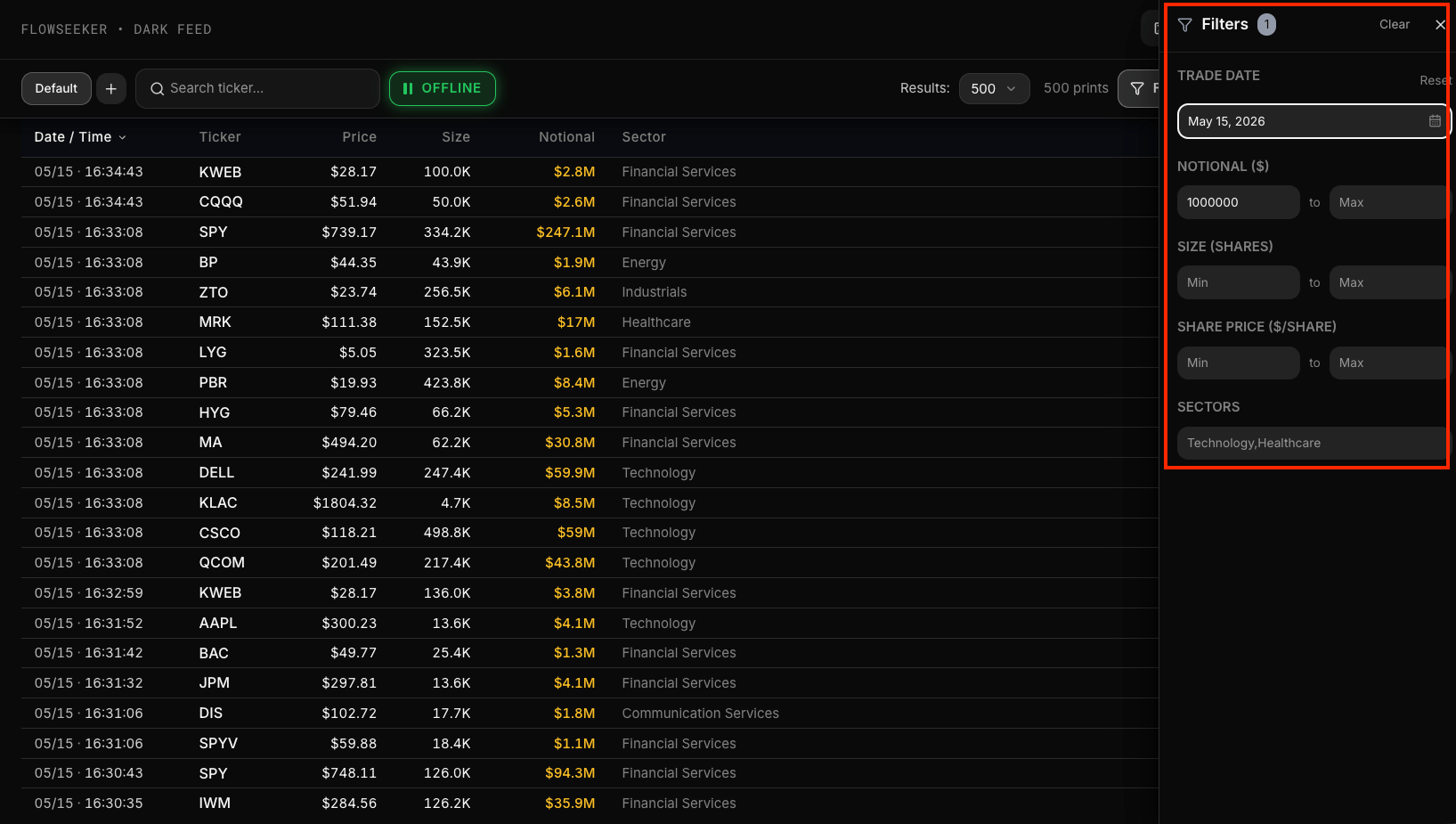
Open Filters from the top-right controls.
Dark-pool prints do not include options-side context and should not be treated as bullish or bearish by default.
Flow Scanner
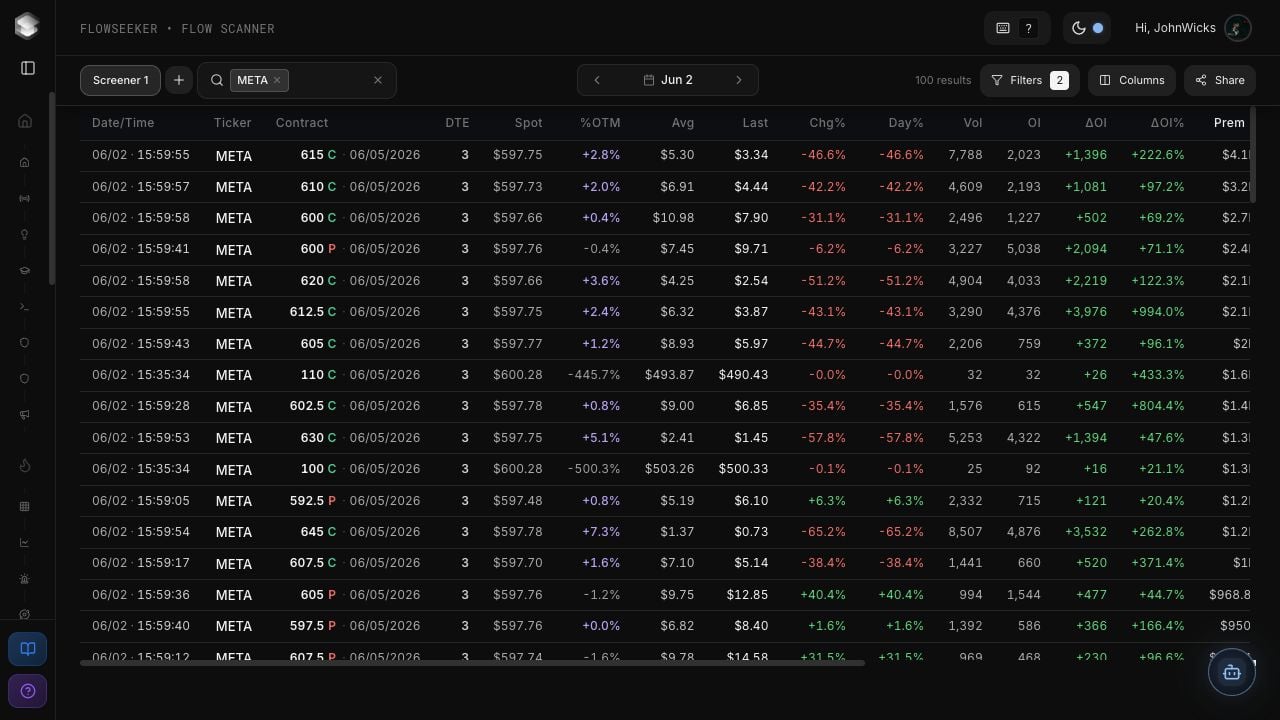
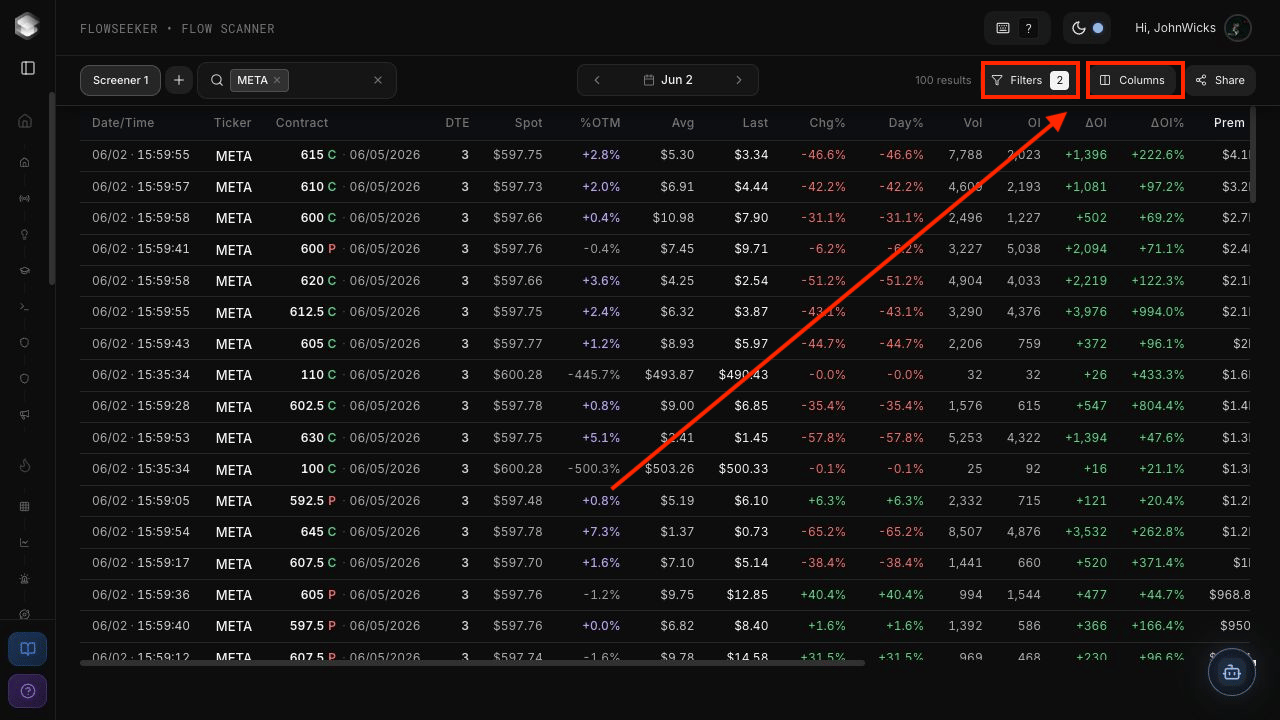
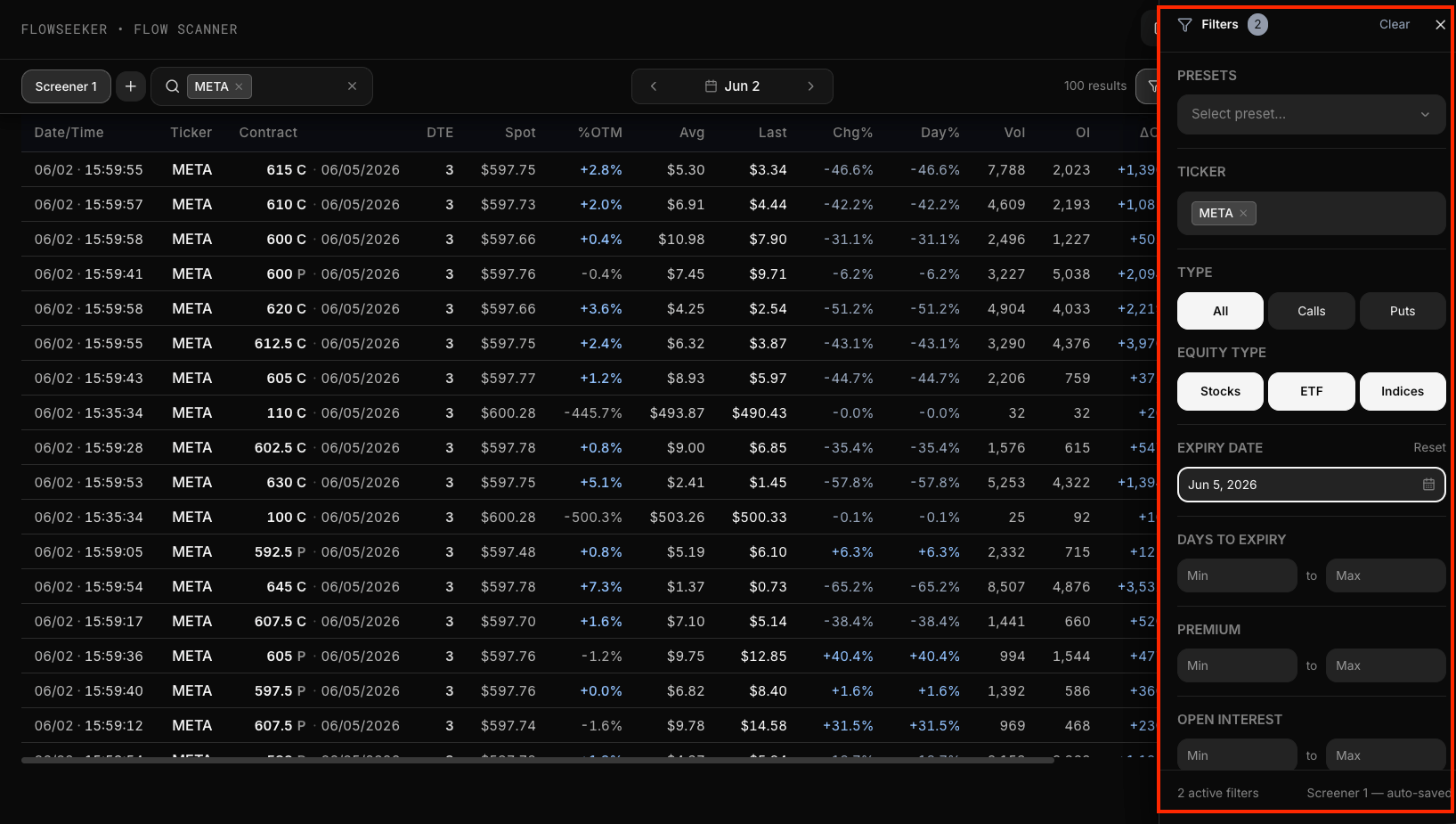
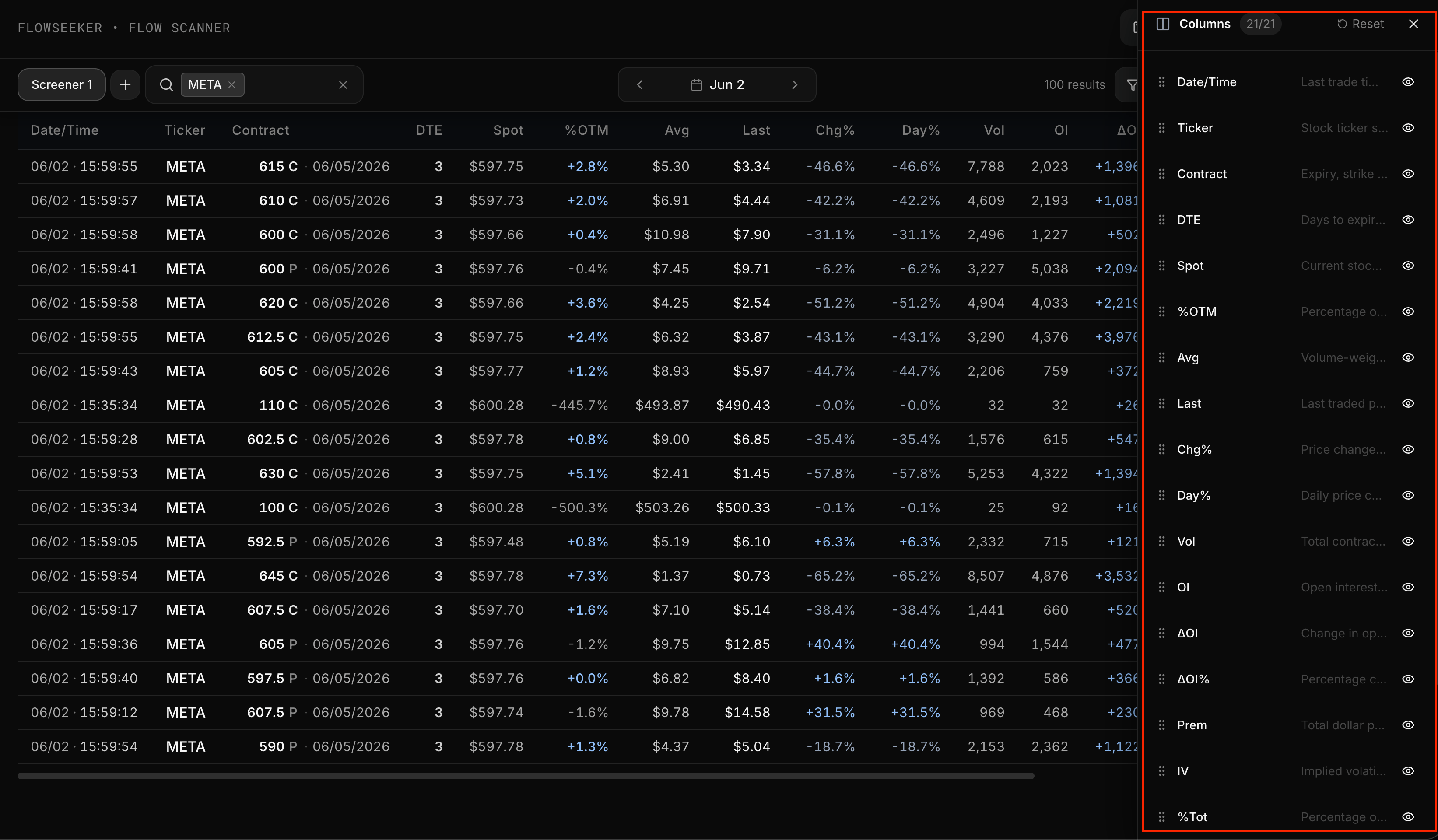
Filters and Columns can be adjusted at the top right.
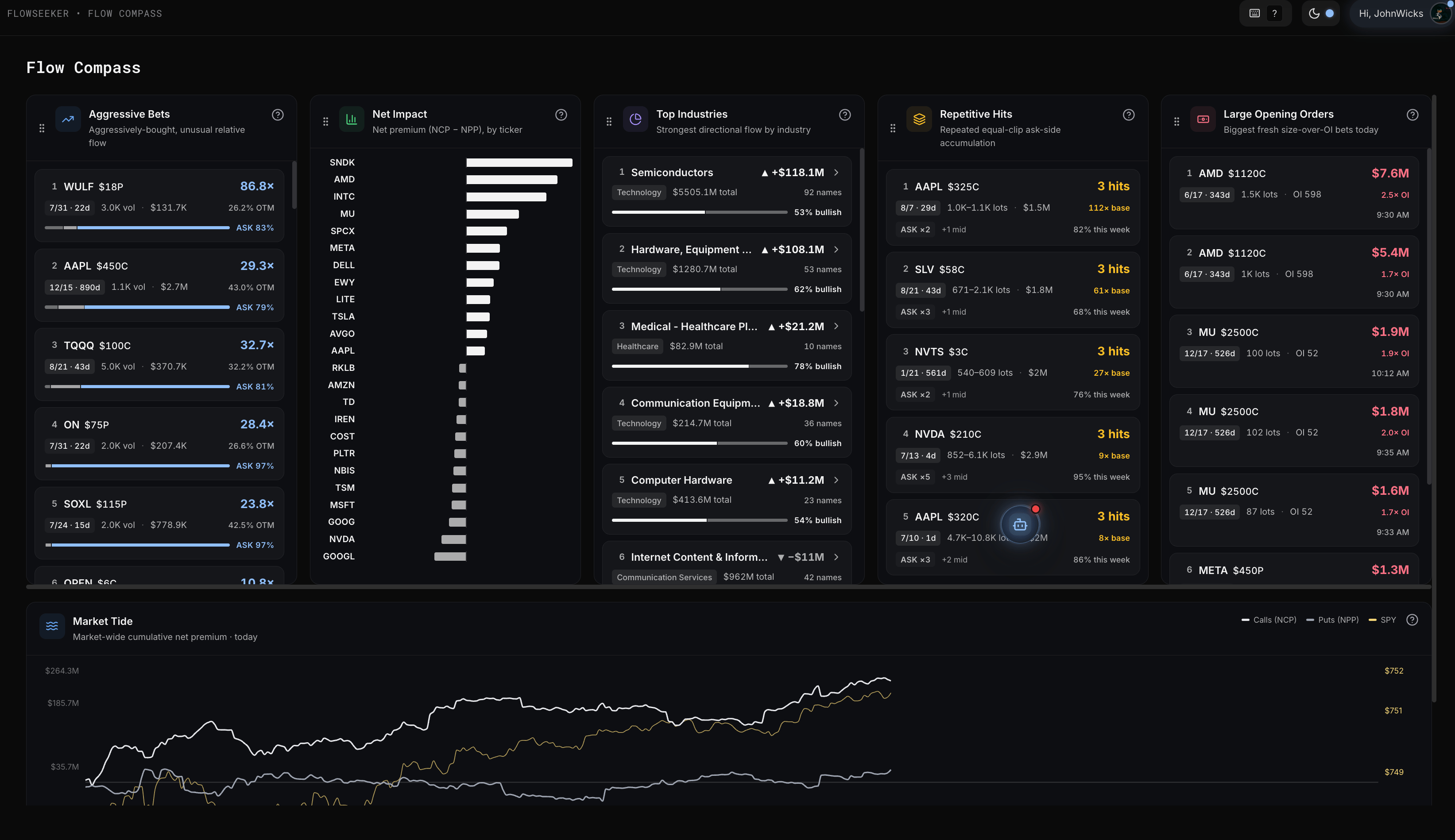
Flow Compass
Contract Lookup
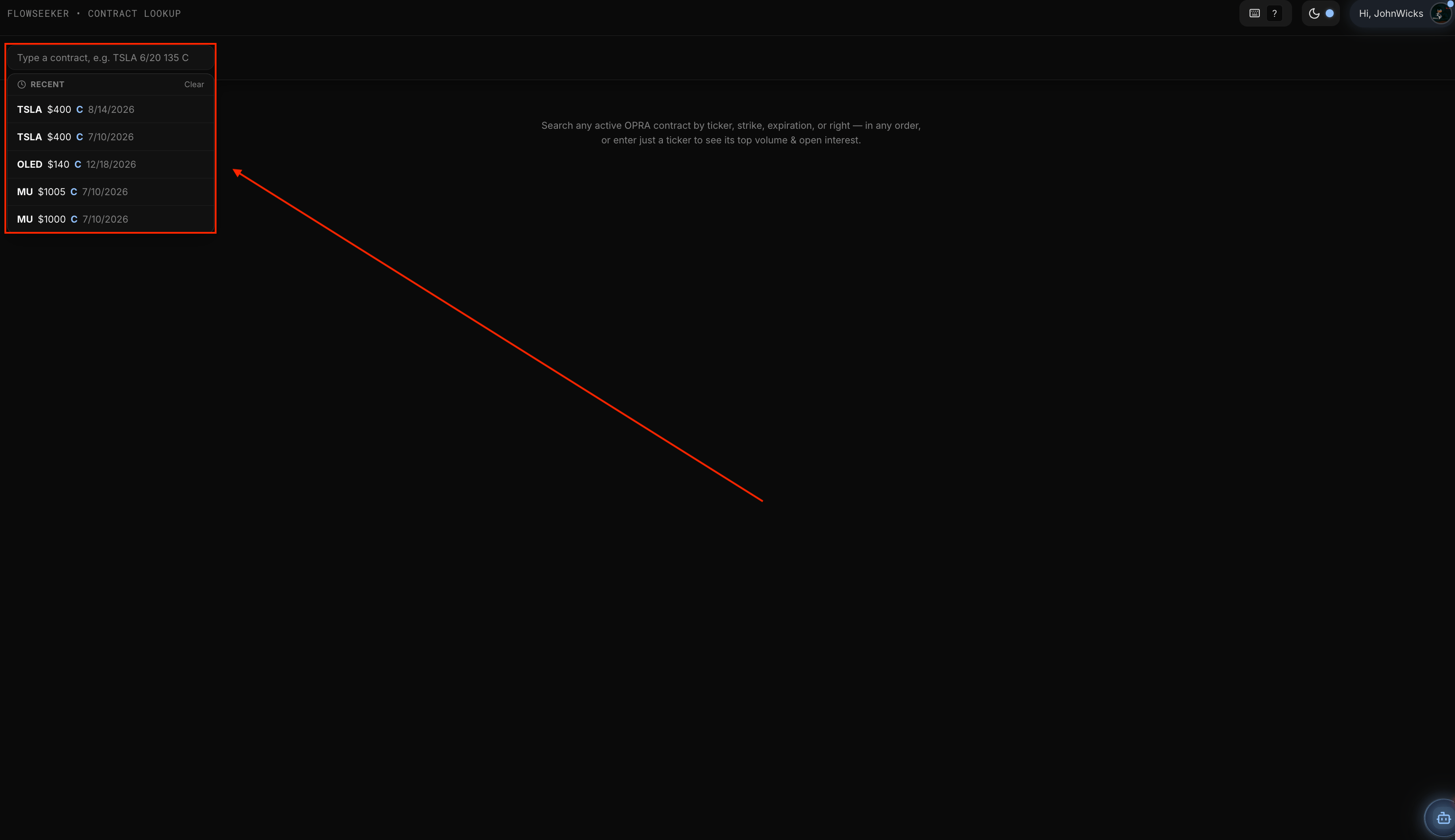
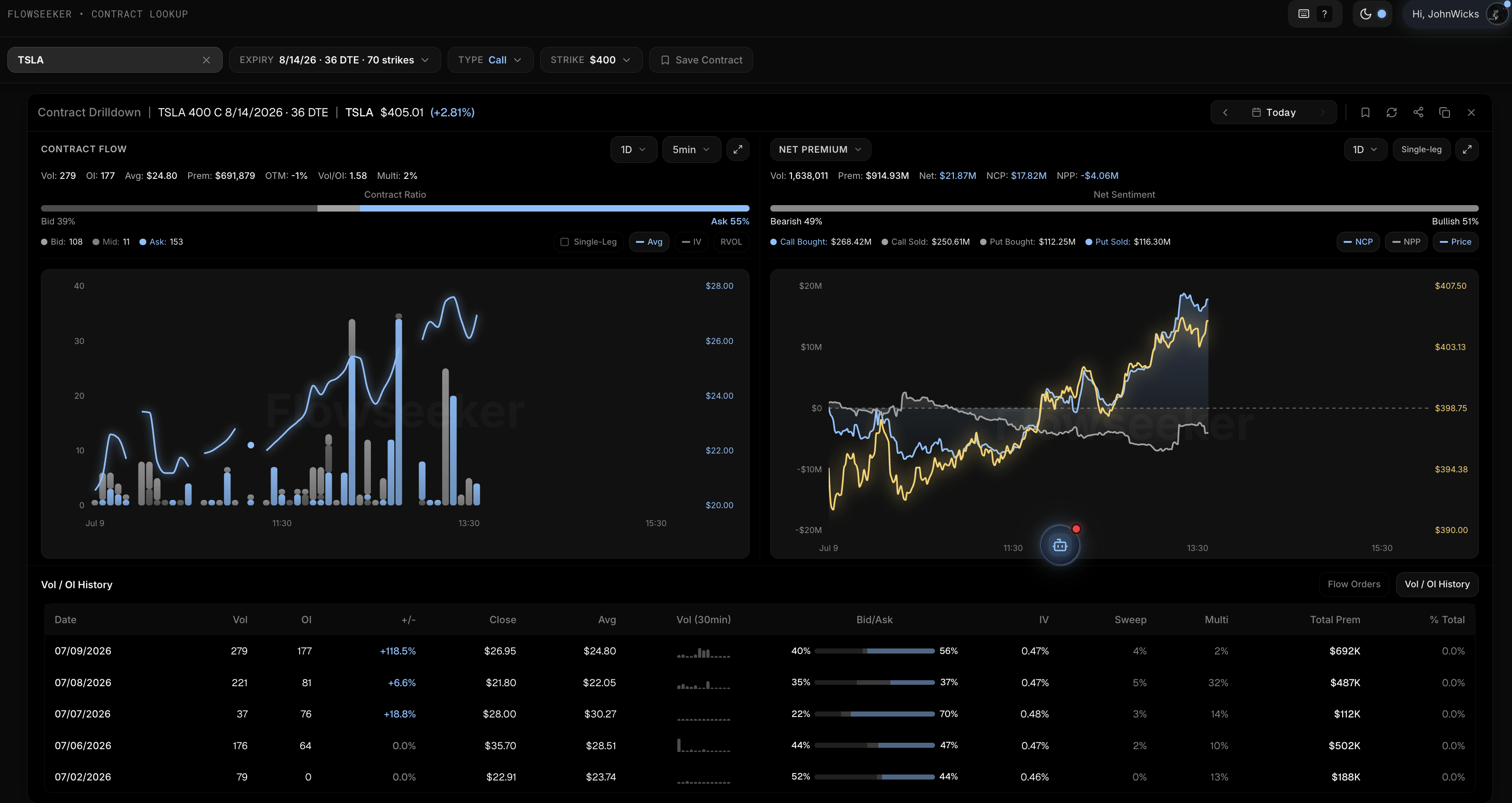
TSLA, and contract-style input such as TSLA 6/20 135 C.
Contract Drilldown
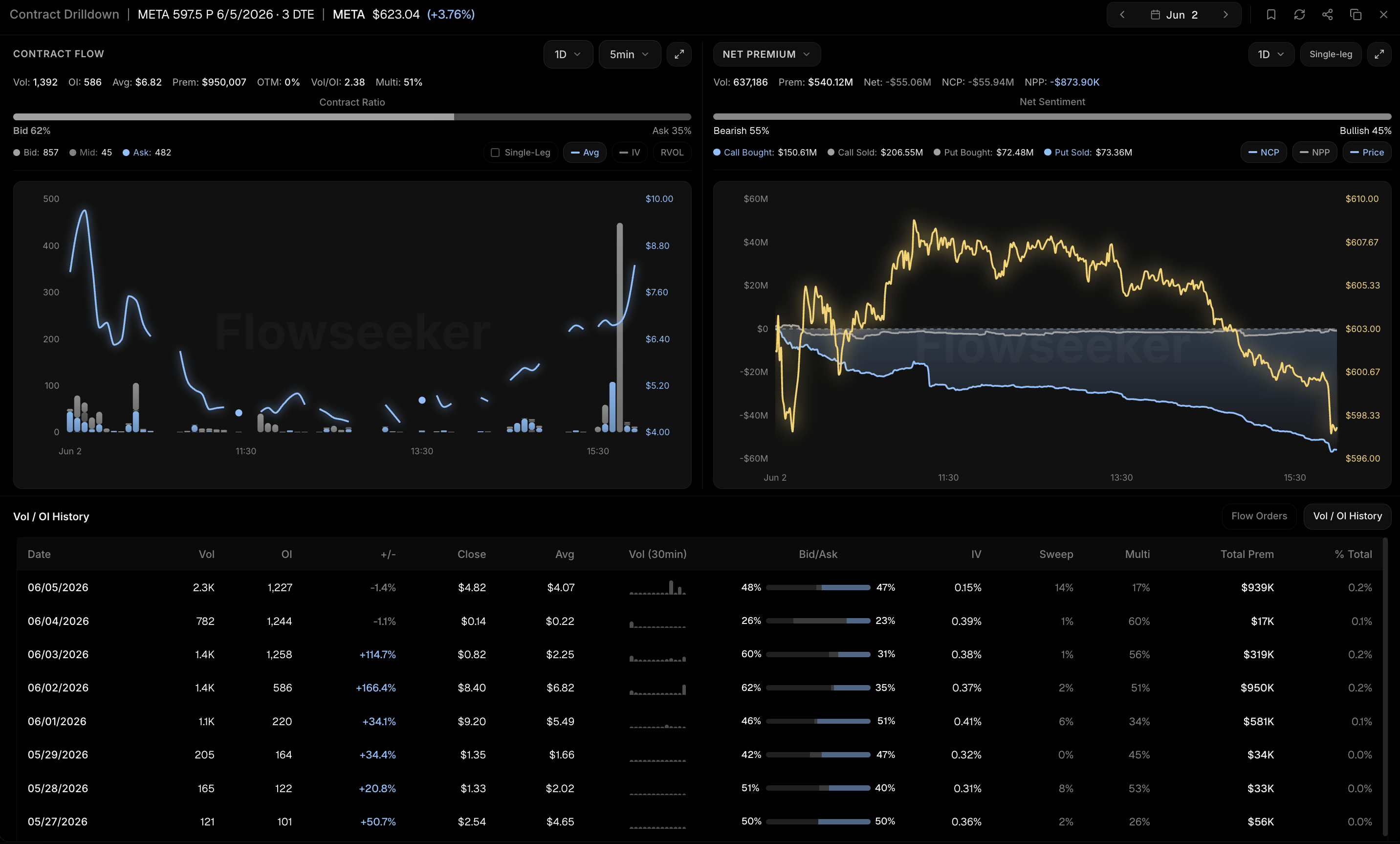
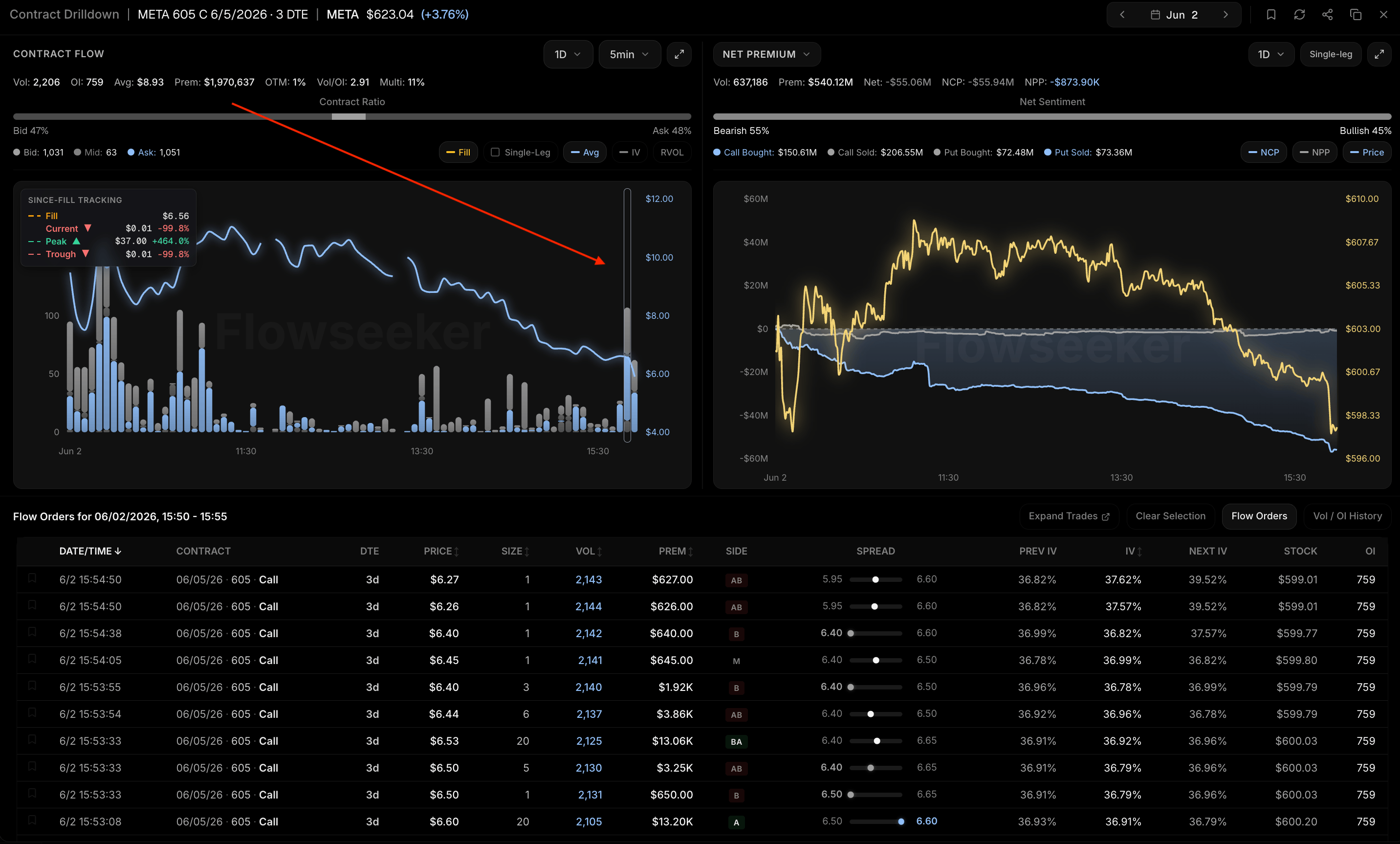
Select a flow bar to review the prints behind that flow.
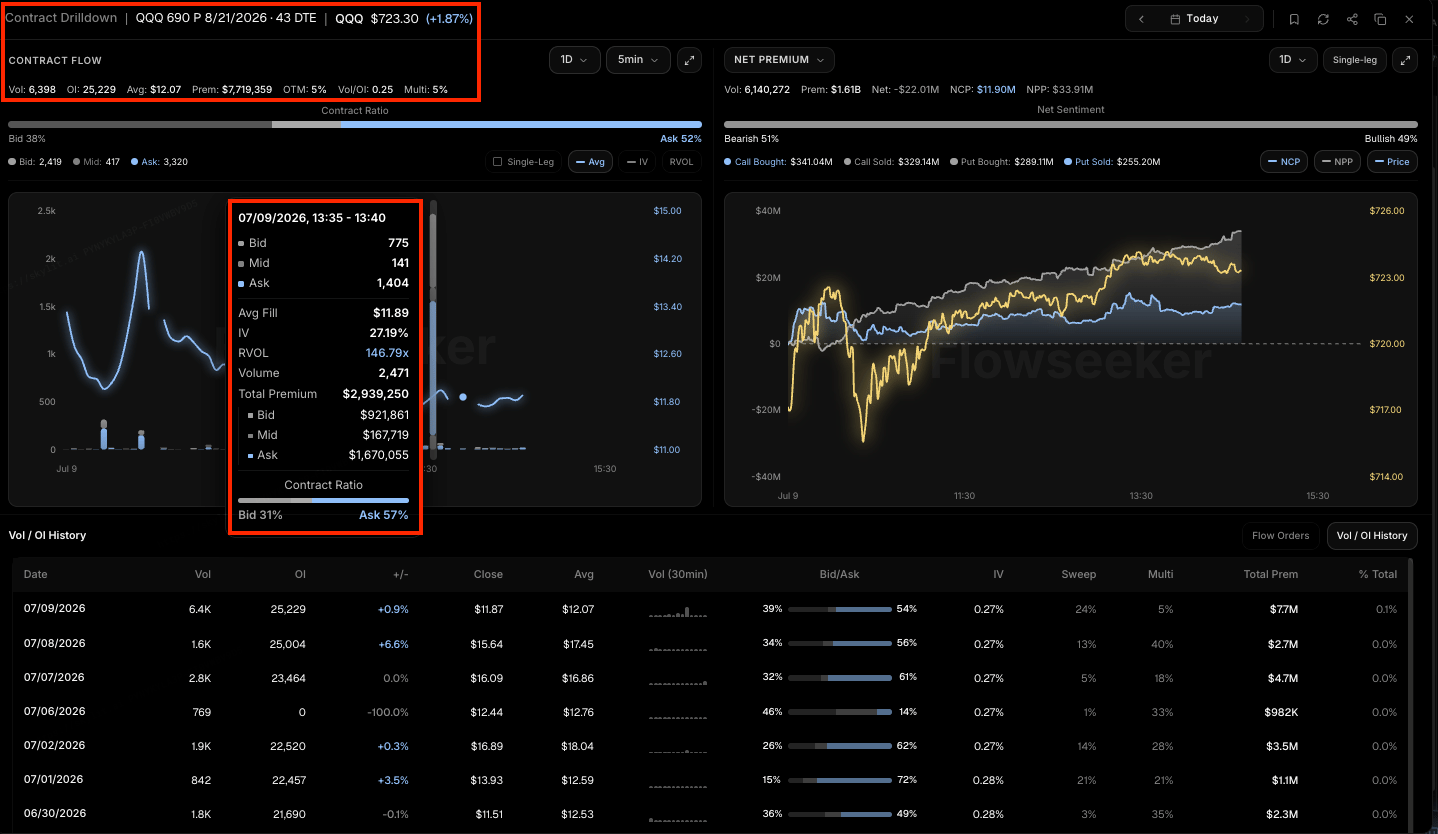
Contract flow
Net premium
Flow Tracker
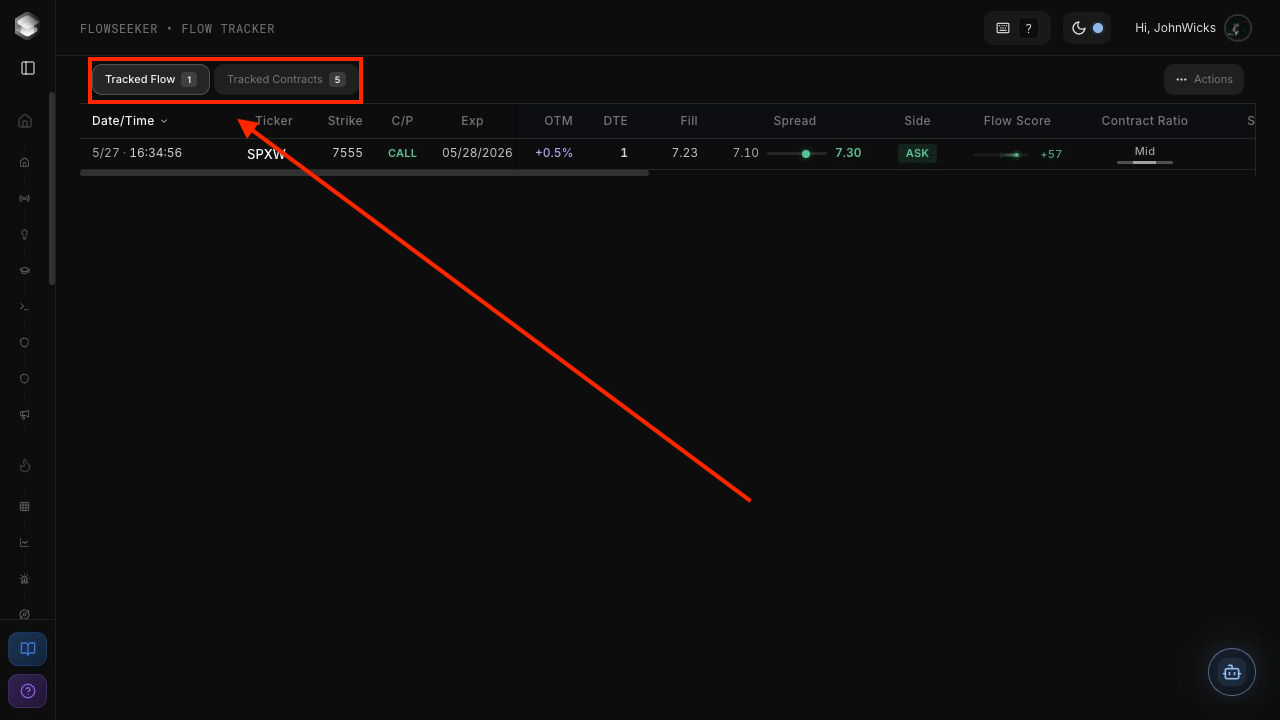
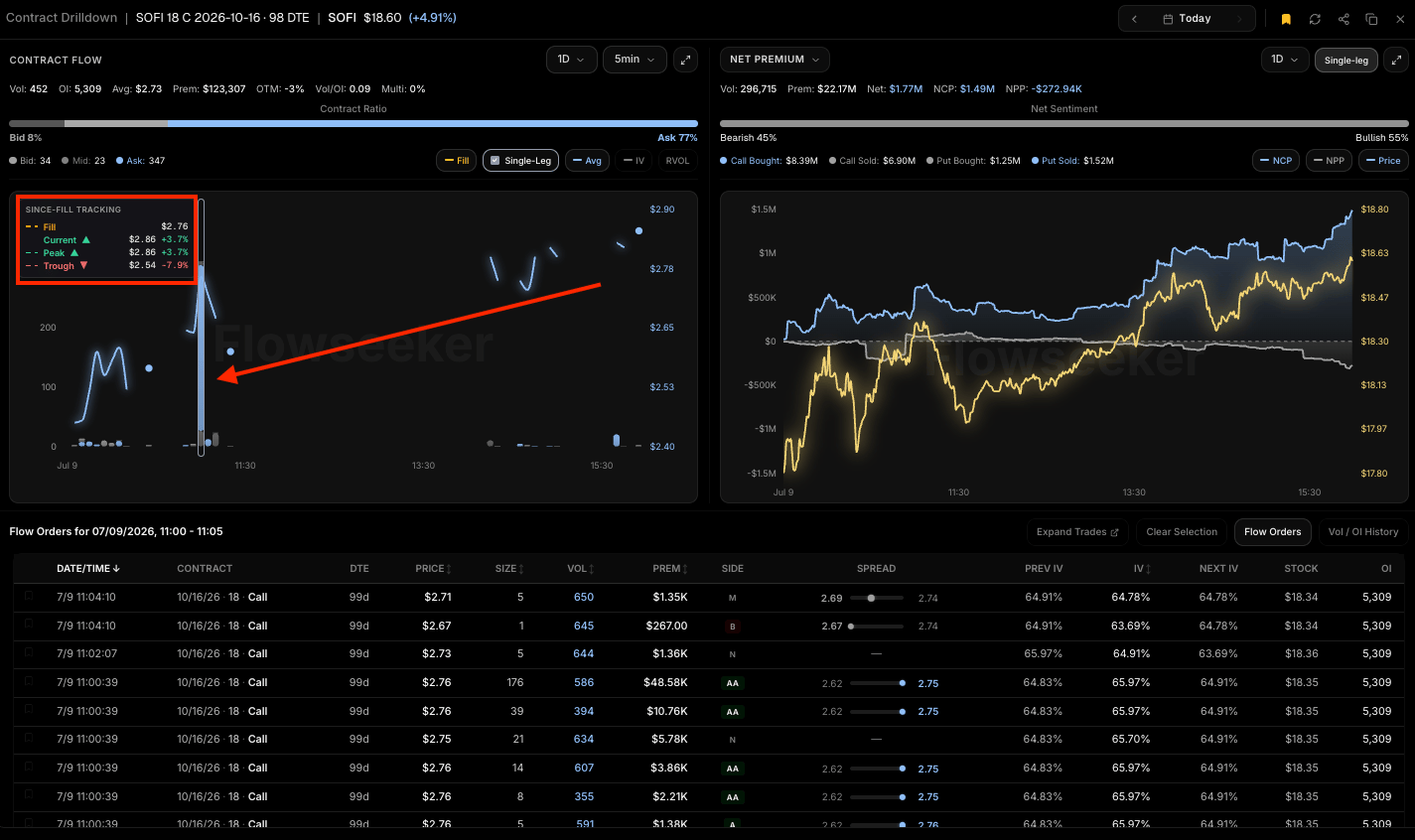
Select the flow bar in tracked contracts to review the percentage change from the saved entry.
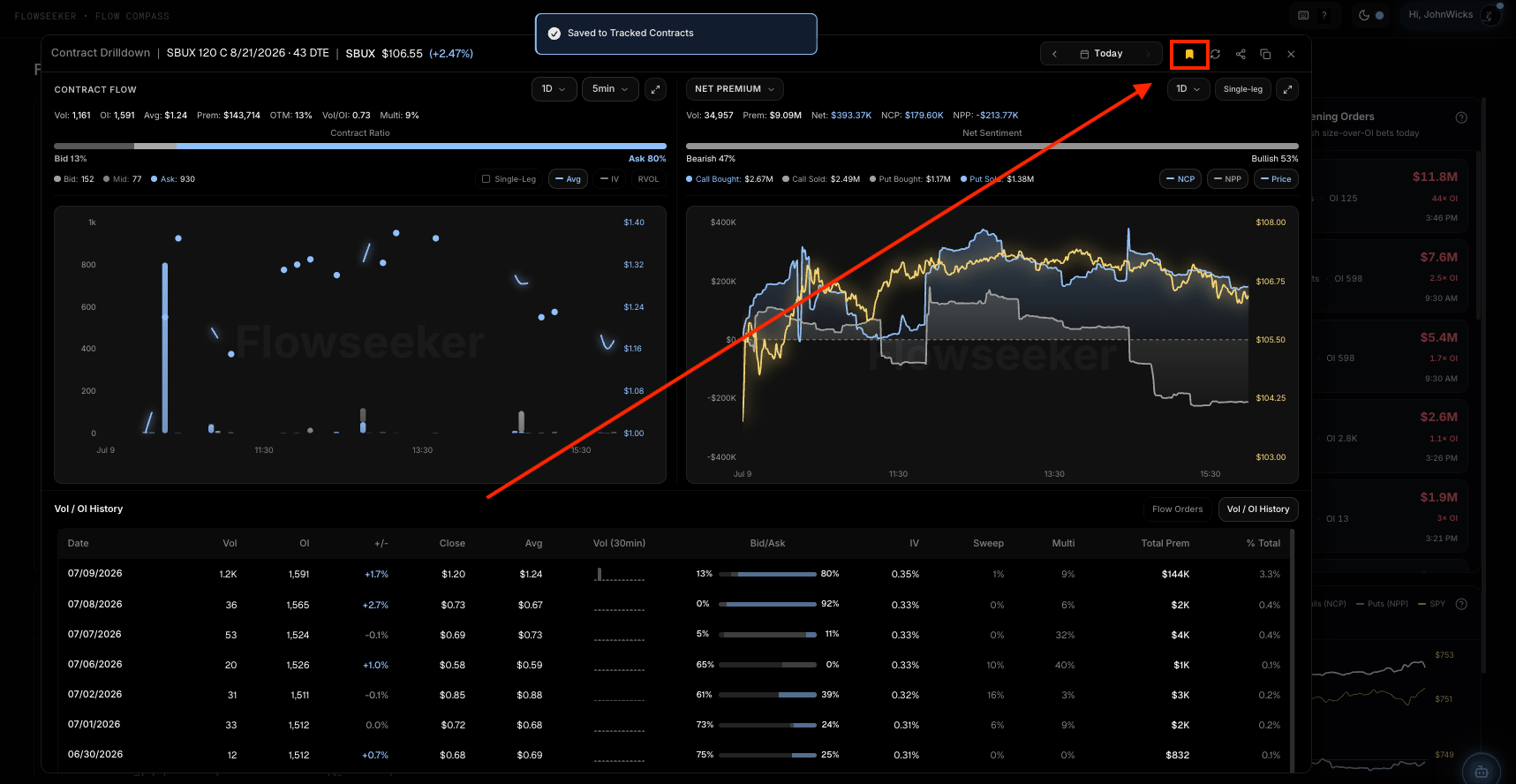
Use the bookmark icon inside Contract Drilldown to track a contract.
Flowseeker in Atlas
Flowseeker data can appear inside Atlas so users can review options-flow context directly on a chart. In Atlas, flow bars represent premium rather than raw contract volume. Calls and puts are displayed separately, and tooltips can show net flow context.Data caveats
- Side is based on where activity occurs relative to bid, mid, and ask. It is not perfect proof of intent.
- A large print does not automatically mean a new directional position was opened.
- Multi-leg detection can group related prints, but not every strategy can be known with perfect certainty.
- Volume greater than open interest can be useful context, but it is not a complete thesis by itself.
- Open interest updates are not always instant and can change after the trade date.
- Dark-pool prints do not include options-side context and should not be documented as bullish or bearish by default.